Shutter speed is one of the most basic things to know when it comes to photography, and it's essential knowledge that you'll definitely learn as you improve your photography and videography skills.
The shutter speed settings for photos and videos are different, and learning the purpose and circumstances for setting a specific shutter speed for each will help improve the quality of your work.
This time, " I would like to focus on "shutter speed in video " and explain the basic concepts and appropriate settings.
What is shutter speed anyway?

Shutter speed refers to the amount of time the camera shutter is open to capture light when taking a photo, and is expressed as a number such as 1/1000 second, 1/250 second, or 1 second.
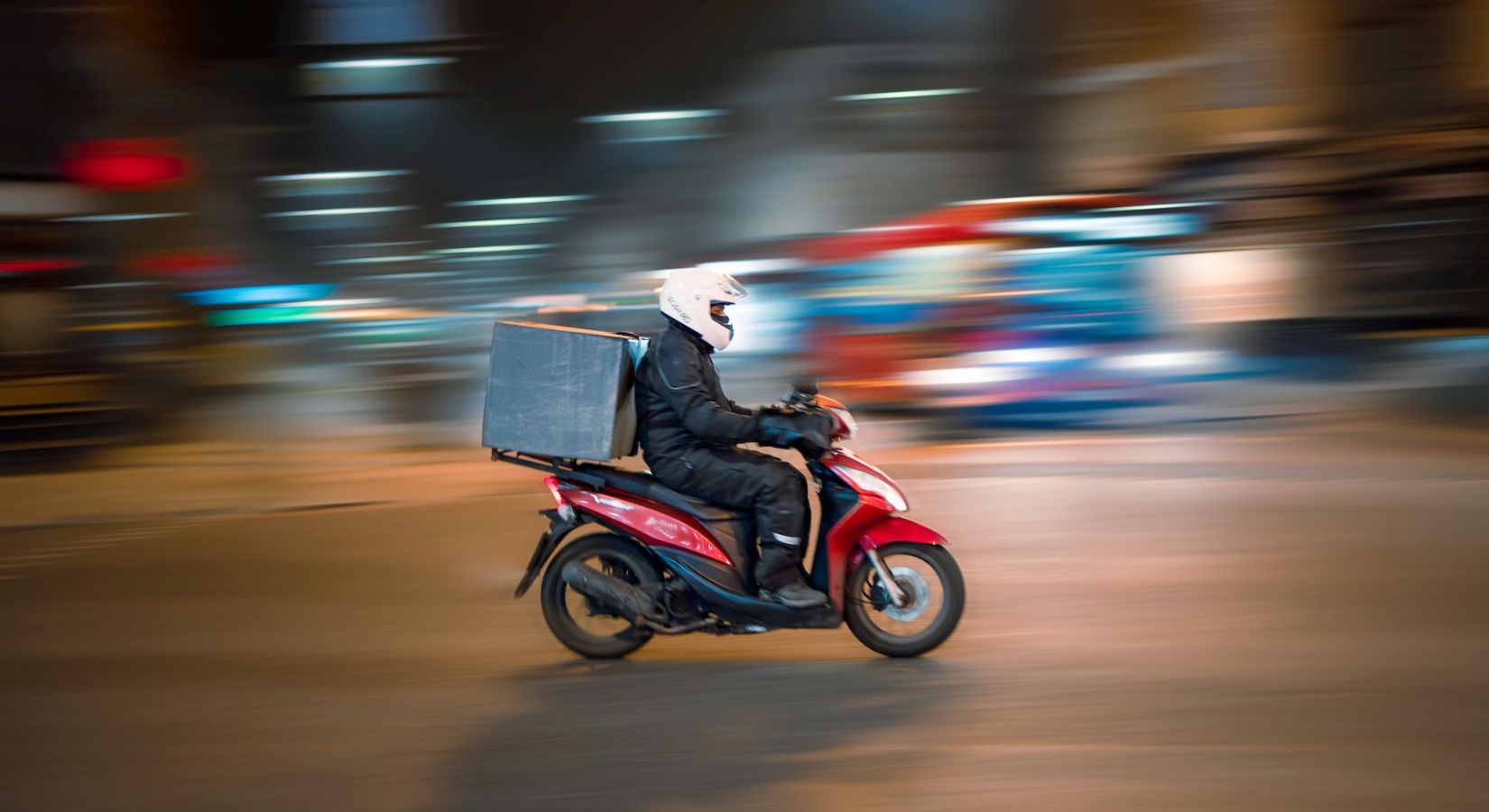
The smaller the number, the faster the shutter speed will be set, allowing you to capture moving subjects without blur, but the image will be darker because the time available to capture light will be shorter.
Conversely, the larger the number, the slower the shutter speed will be, allowing more time for light to be captured, resulting in a brighter image, but increasing the likelihood of blurring.
Shutter speed for video recording
When shooting in an environment with sufficient light, you might think that you can just increase the shutter speed until you achieve the correct exposure, but this is not the case with video.
The video below is Increase the shutter speed to get the correct exposure This is a video of a fountain, but you can see that the water splashes unnaturally and unevenly.
In contrast, the next video uses an ND filter to reduce the amount of light. Here's a shot of the same fountain taken with the correct shutter speed. You can see that the image is natural thanks to the moderate afterimage effect.
In this way, the basic idea behind video is that by creating a moderate amount of blur, the still images will connect smoothly, resulting in a smoother video that looks more natural.
The relationship between shutter speed and frame rate that you should understand
So how do you determine the appropriate shutter speed for video shooting?
The key to understanding this is the " frame rate ," which is inseparable from understanding the principles of shutter speed setting.
Videos are made up of a series of still images, and the frame rate indicates how many still images are contained in one second of video.
It is expressed in fps (= frames per second) such as 30fps, 60fps, etc. At 30 fps, there are 30 still images in one second of video .
The higher the number, the more frames there are per second, resulting in a smoother, more fluid video. In the cinematic video style, 24fps video, which is often used in movies and has a slightly choppy feel, is the standard.
One of the standards for the appropriate shutter speed when shooting video is " This is the setting value for " twice the frame rate ." For example, 1/60 for 30fps, 1/48 for 24fps, etc.
Suitable shutter speed = 1/frame rate x 2
It's difficult to get the right shutter speed when shooting outdoors in the daytime.
It is generally believed that when shooting in an environment with sufficient light, such as outdoors on a sunny day, setting the shutter speed appropriate for the frame rate will usually result in overexposure.
In such cases, the camera accessory you need is a " ND filter .
For more information on ND filters, see the article below.
What is an ND filter? How to use and choose the right filter for your shooting situation
summary
When shooting video, the basic idea is to create a moderate amount of blur to create a smooth, natural-looking image, and the appropriate shutter speed is generally twice the frame rate of the video being shot .
When shooting in an environment with sufficient light, it is common to use an ND filter to reduce the amount of light and control the shutter speed.
All creators, please master the knowledge of shutter speed. Try improving the quality of your video.