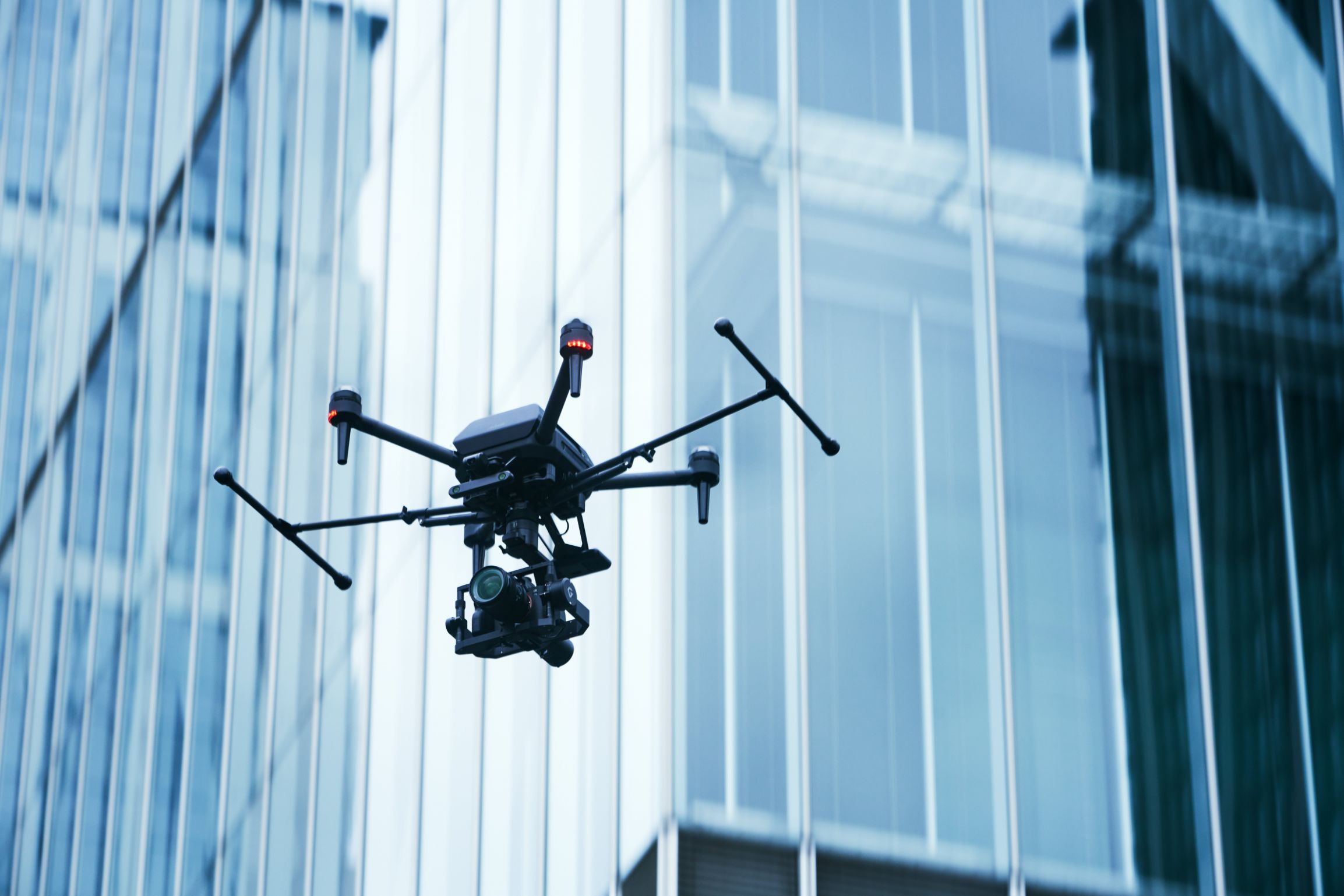
Basics of Remote ID that you should know! How to write a Remote ID and drones with built-in Remote ID
Have you registered your unmanned aerial vehicle (drone)?
Due to revisions to the Aviation Act, from June 20, 2022, it will become mandatory for unmanned aerial vehicles to be equipped with a remote ID function in addition to displaying the registration symbol obtained when registering the aircraft.
This article summarizes the basics of Remote ID as well as models with built-in Remote ID.
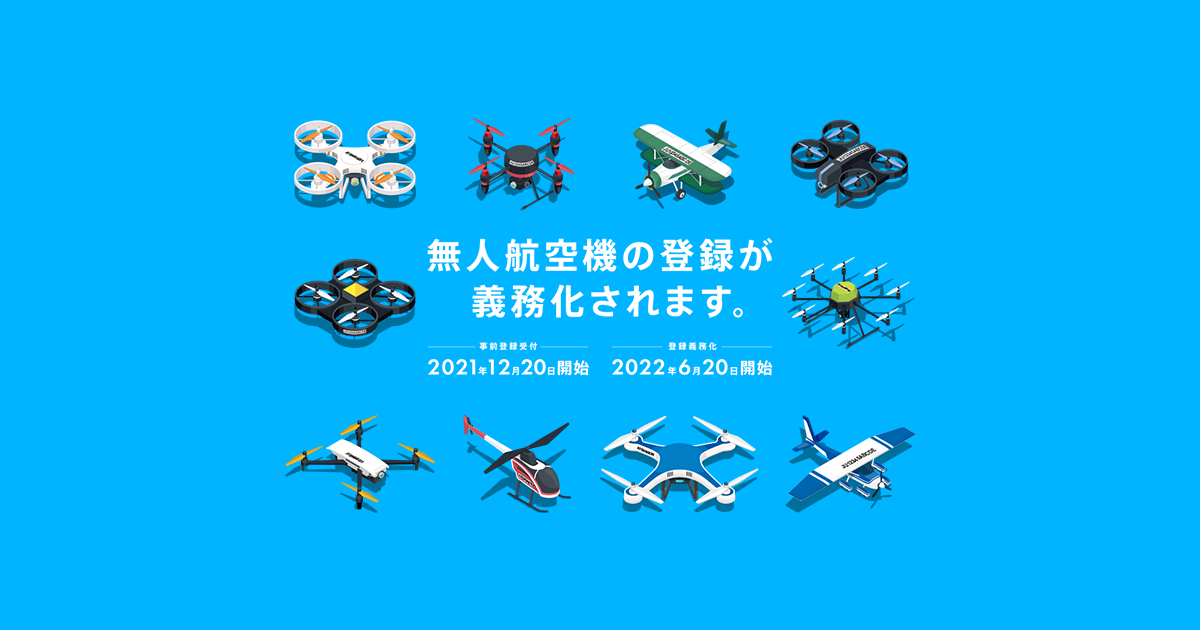
Aircraft registration? Registration symbol? If you have no idea what we're talking about, please read this article first.
About the Unmanned Aerial Vehicle Registration SystemWhat is Remote ID?
This is a function that remotely transmits the identification information of an unmanned aerial vehicle via radio waves.
It may be easier to understand if you think of it as something similar to a license plate on a car.
With the mandatory registration of unmanned aerial vehicles, in addition to the physical registration symbol being displayed on the aircraft, the aircraft must also be equipped with a Remote ID.
However, the following flights are exempt from the requirement to install a Remote ID:
You can fly without the Remote ID function if one of the following conditions is met:
Remote ID Basics
There are two types: an internal type that is built into the machine, and an external type (remote ID device) that is attached to the outside of the machine.
Remote ID transmission information
The Remote ID includes static information such as the drone's serial number and registration code , and dynamic information such as its location, speed, altitude, and time , and is transmitted at least once per second. It does not include information about the owner or user.
Remote ID built-in models
Remote ID functionality may be added to drones through firmware updates and other developments by unmanned aircraft manufacturers. As of the time of writing, the list of models from manufacturers that have officially announced their Remote ID compatibility status is as follows:
*The information below is subject to change without notice.
*Please contact the respective manufacturers for any questions regarding future responses, etc.
Remote ID compatibility by model
| Manufacturer name | Model name | Response status | remarks |
| SONY | Airpeak S1 | Built-in | Supported by firmware update released on June 1, 2022 |
| ACSL | SOTEN | Built-in | Supported with the latest firmware |
| DJI | DJI Mini 4 Pro | Built-in | Supported with the latest firmware |
| DJI Mini 3 Pro | |||
| DJI Mavic 3 Series | |||
| DJI Air 2S | |||
| Mavic Air 2 | |||
| DJI Mini 2 | |||
| DJI FPV | |||
| Mavic 3 Enterprise | |||
| Mavic 3 Thermal | |||
| Matrice 300 RTK | |||
| Matrice 30 | |||
| Matrice 30T | |||
| Mavic 3 Multispectral | |||
| AGRAS T30 | |||
| AGRAS T10 | |||
| Other models | External Mounting | Requires an external remote ID | |
| AUTEL | EVOⅡV3 series | Built-in | Supported with the latest firmware |
| EVO Lite Series | |||
| EVO Nano Series | |||
| EVOⅡV2 series | External Mounting | Requires an external remote ID |
Where can I buy an external Remote ID?
Remote IDs must be developed and manufactured in accordance with technical specifications. Our shop carries the following products as certified Japanese-made remote IDs.
By the way, it is stipulated that an external Remote ID can be used for multiple devices as long as the owner of the device remains the same. However, if you use it for multiple devices, you will need to re-register the registration information for each device on the Remote ID device each time.
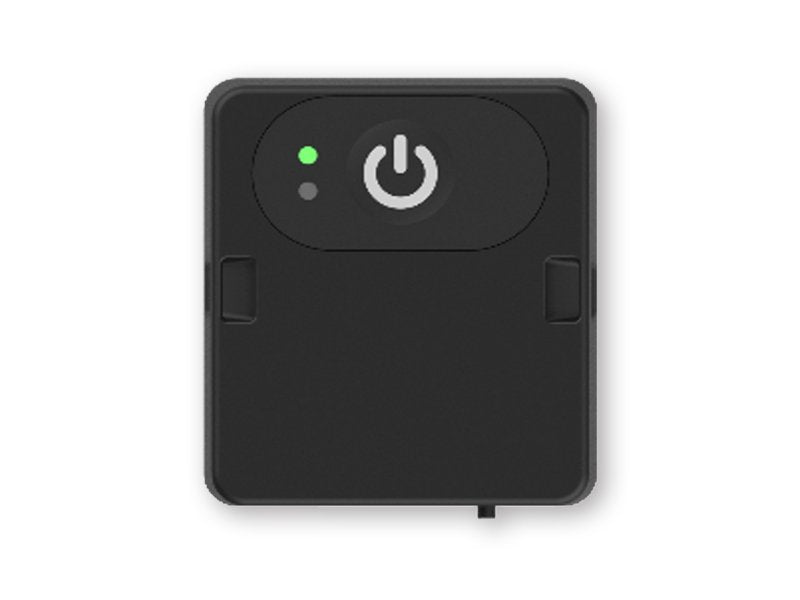
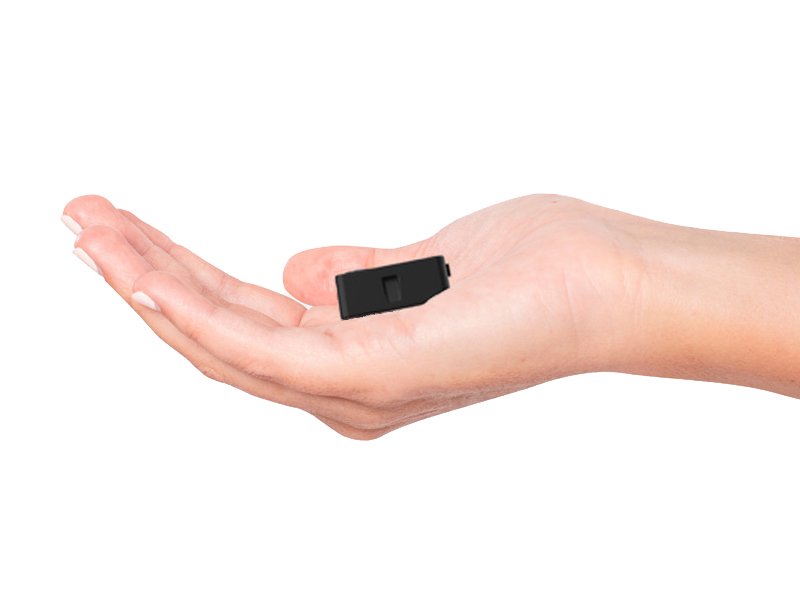
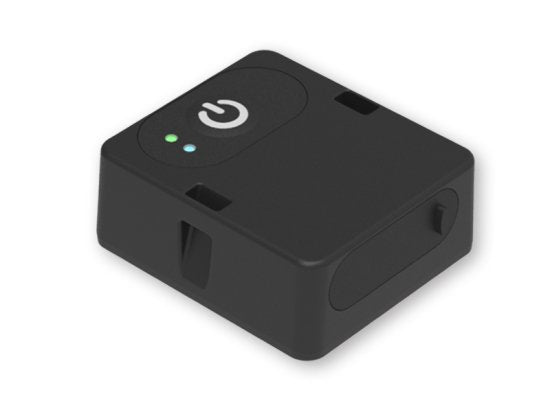
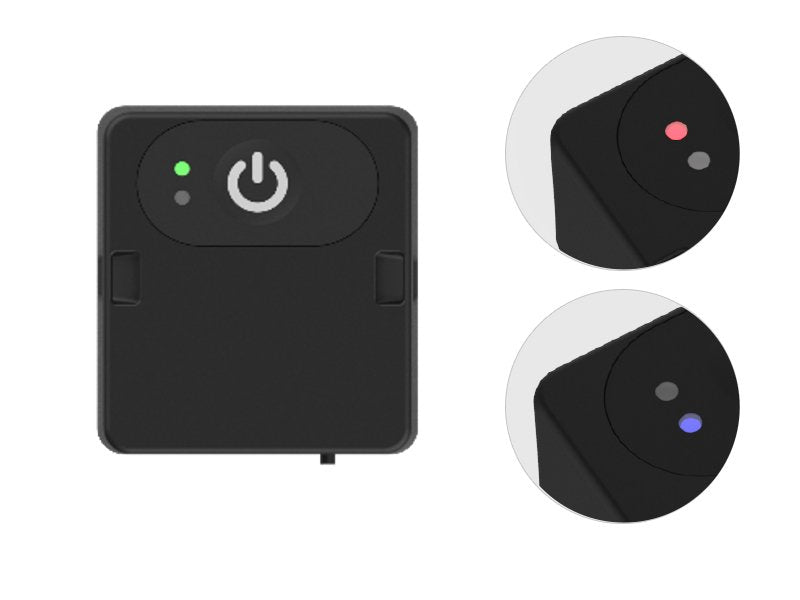


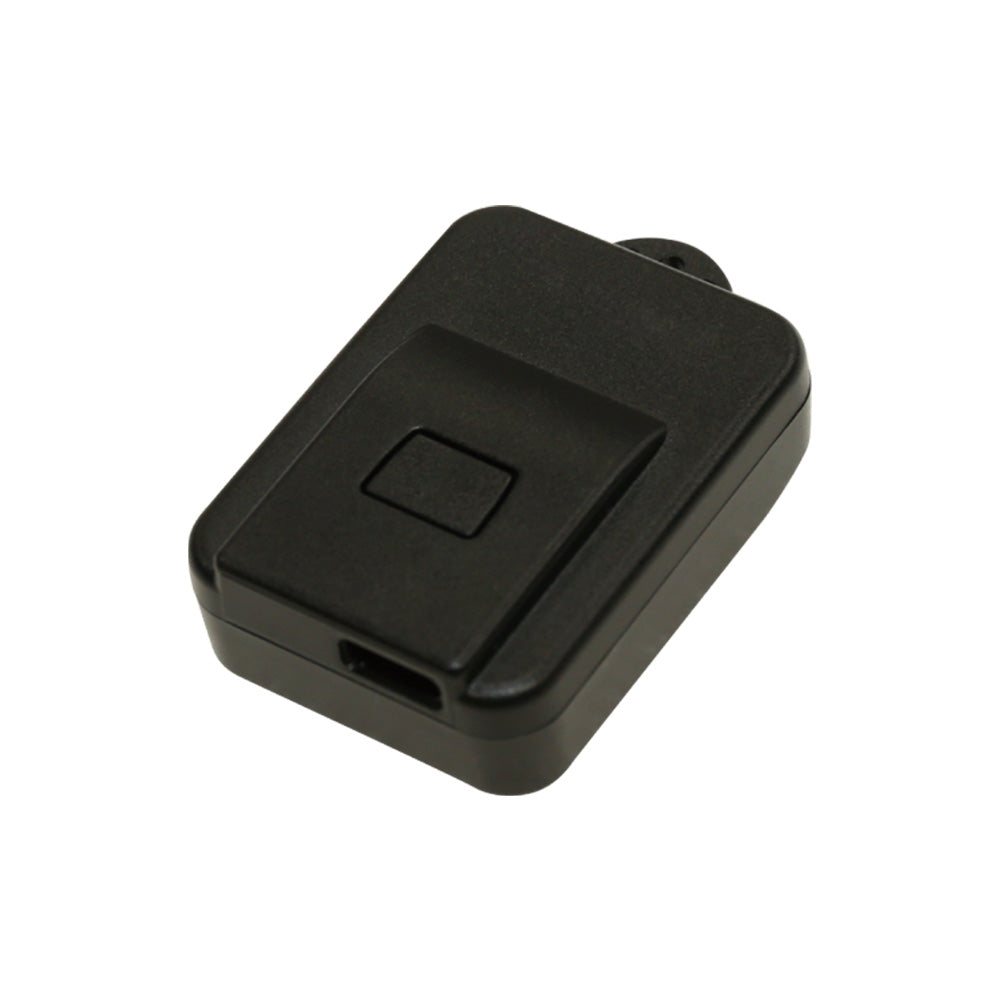


All devices registered after June 20, 2022, whether external or internal, require initial setup (writing) of the Remote ID.
A process called writing is required to link the remote ID device with the aircraft information. (*When writing, the target aircraft must be registered in the drone registration system beforehand.)
If this is not done, the remote ID will not function as intended.
It is important to note that the method for writing the remote ID differs depending on the manufacturer and model . Please see the table below for an easy understanding.
However, aircraft that have been pre-registered by June 19, 2022 are exempt from the requirement to install a Remote ID, so there is no need to write a Remote ID.
How to write the remote ID for each manufacturer/model
| Manufacturer name | Model name | Remote ID support status | How to write a remote ID |
| SONY | Airpeak S1 | Built-in | Write within the "Airpeak Flight" app |
| ACSL | SOTEN | Built-in | Write using the "DIPS" app |
| DJI | DJI Mini 4 Pro | Built-in | Write within the DJI app for each model |
| DJI Mini 3 Pro | |||
| DJI Mavic 3 Series | |||
| DJI Air 2S | |||
| Mavic Air 2 | |||
| DJI Mini 2 | |||
| DJI FPV | |||
| Mavic 3 Enterprise | |||
| Mavic 3 Thermal | |||
| Matrice 300 RTK | |||
| Matrice 30 | |||
| Matrice 30T | |||
| Mavic 3 Multispectral | |||
| AGRAS T30 | |||
| AGRAS T10 | |||
| Other models | External Mounting | Write using the "DIPS" app | |
| AUTEL | EVOⅡV3 series | Built-in | Write within the AUTEL app for each model |
| EVO Lite Series | |||
| EVO Nano Series | |||
| EVOⅡV2 series | External Mounting | Write using the "DIPS" app |
How to write a remote ID using the DIPS app
The DIPS app is a free app provided by the Ministry of Land, Infrastructure, Transport and Tourism. Currently, if you have an ACSL SOTEN or an external remote ID, you will need to use this app to write the remote ID.

STEP 01. Install the remote ID writing app on your smartphone
Install the dedicated app "DIPS APP - Drone Portal App" on your smartphone to write transmission information to remote ID devices, etc.


STEP 03. Check the posted information
Use the app to check the posted outgoing information.
The DIPS app download page is here
| App Name | Terminal | Download link |
| DIPS APP - Drone Portal App | iOS | App Store |
| Android | Google Play Store |
lastly
You can find more details, including the background of the registration system, on the Ministry of Land, Infrastructure, Transport and Tourism's Unmanned Aircraft Registration Portal Site.
For inquiries regarding the Remote ID and Registration System, please contact the Ministry of Land, Infrastructure, Transport and Tourism's Unmanned Aerial Vehicle Help Desk directly.
Please note that the information on this page is based on the settings of the Unmanned Aerial Vehicle Registration System at the time of creating this page, and may be subject to change in the future.