The camera's white balance (WB) setting has a significant impact on the color of the content being photographed.
By setting the white balance to suit the shooting environment, you can correct color shifts in the image and reproduce colors that are closer to reality.
This time, we will introduce basic knowledge about white balance and how to adjust it.
What is white balance?
White balance is This is a camera setting that accurately reproduces white as white according to the color of the light source at the time of shooting, and is a function that accurately reproduces the colors of the captured image.
The color of the subject changes depending on the light source, but by using this setting, you can take photos with colors that are closer to what you see.
What happens if the white balance is incorrect?
If the white balance is not set properly, white objects will appear yellow or pale, resulting in unnatural colors in the photo.
Due to differences in the color temperature of the light source and changes in lighting conditions, the colors in the image can appear bluish or reddish, resulting in an image with unnatural colors, which is the downside of improper white balance.
▼Example of a photo with a bluish tint overall

Making colors closer to how they actually appear is not always the answer
While the basic principle is to reproduce colors as close as possible to how they actually appear, sometimes intentionally adjusting the white balance to add a special atmosphere to a photograph is also a form of expression.
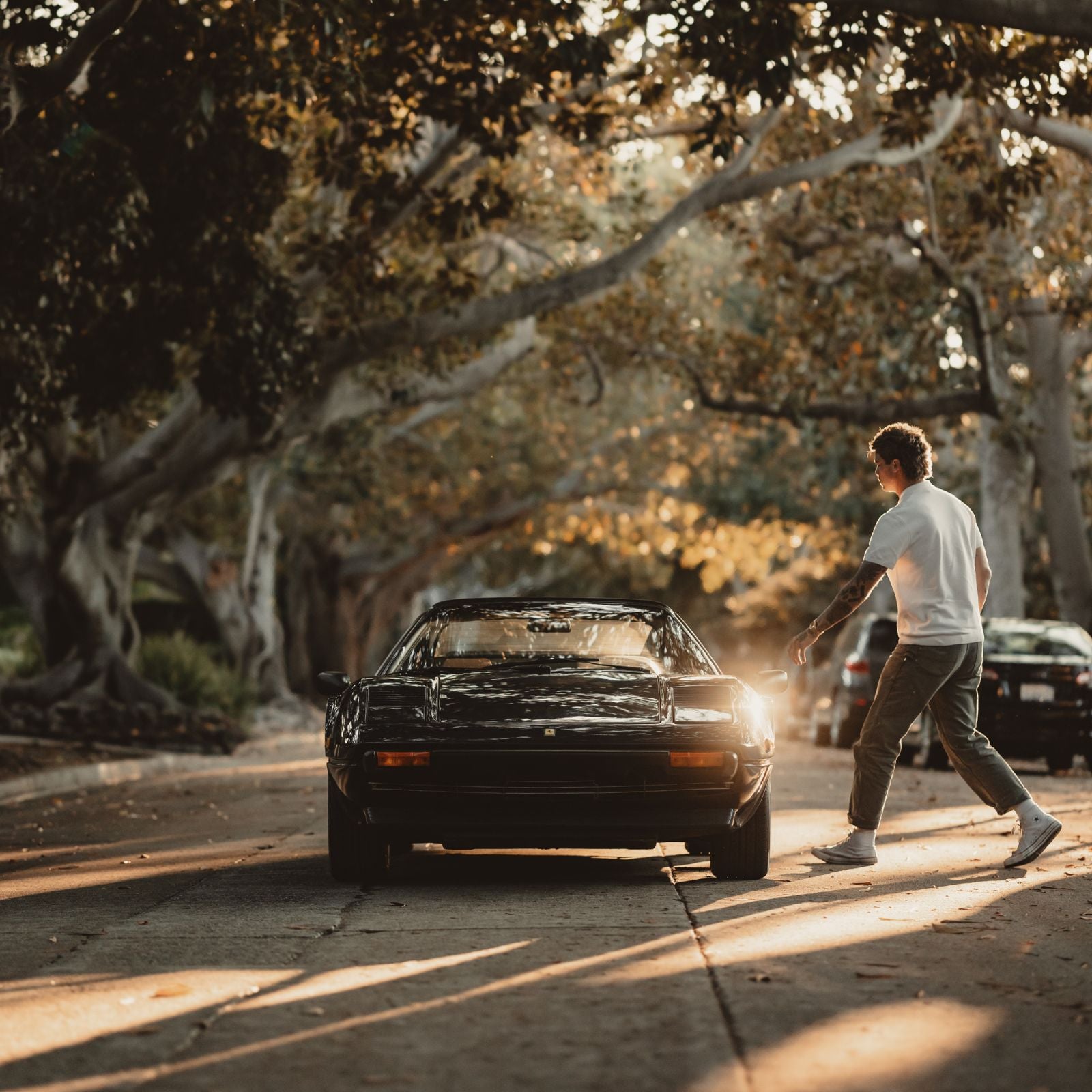
For example, if you want to create a warm scene, you can achieve that effect by setting the white balance to a slightly yellowish setting.

White balance setting options
The easiest and often default setting for white balance is the "Auto" setting.
Auto White Balance (AWB) is a function that automatically detects the color temperature of the light source in the shooting environment and adjusts the white balance accordingly, so that white and neutral colors are accurately reproduced and images appear natural, even when shooting under different lighting conditions or light sources.
Additionally, most cameras have fixed white balance presets for each light source, such as sunlight, cloudy skies, fluorescent light, and incandescent light. By selecting one of these, you can quickly manually set the appropriate white balance for the shooting conditions.

Which is better, auto or fixed?
With Auto White Balance, the camera automatically detects the light source in the shooting environment and performs optimal color correction.
On the other hand, if you use fixed settings, You can fix the color temperature using presets for each light source, such as sunlight, cloudy, fluorescent light, or incandescent light, or you can make fine adjustments to suit your environment by setting the color temperature numerically, as described below .
When set to Auto, the white balance is automatically adjusted depending on the shooting environment, which can result in inconsistent colors depending on the shooting data. Also, since the camera does not perform 100% accurate automatic adjustment, sometimes the colors may appear unnatural.
If you want to maintain a consistent color tone across multiple photos or videos, it is preferable to fix the color.
Specify color temperature for more detailed settings
You can make more precise white balance adjustments by directly specifying the color temperature. Color temperature is expressed in Kelvin (K), with lower values indicating warmer colors and higher values indicating cooler colors.

Please note that the color temperature setting of the camera is a setting to complement and offset the opposite color of the light source, so the higher the value (K), the The warmer the color, the cooler the color becomes the lower you turn it down .
The cooler the color, the more bluish the image will appear. The warmer the color, the redder the image will appear.
For example, natural daylight has a relatively high color temperature (approximately 5000K to 6500K). Light sources such as incandescent bulbs have a relatively low color temperature (about 2700K).
By setting the white balance to cancel out the color temperature of these light sources, you can take photos with natural colors.
Once you master color temperature settings, you can fine-tune the color to suit the subject and atmosphere you are photographing, expanding the scope of your photography.
Control your white balance to expand your creative possibilities!
Proper white balance adjustment can dramatically change the impression of a photograph. Not only can you reproduce natural colors, but you can also intentionally change the color temperature to broaden the scope of expression.
By skillfully adjusting the white balance depending on the purpose of the shoot, you can take more impressive photos.