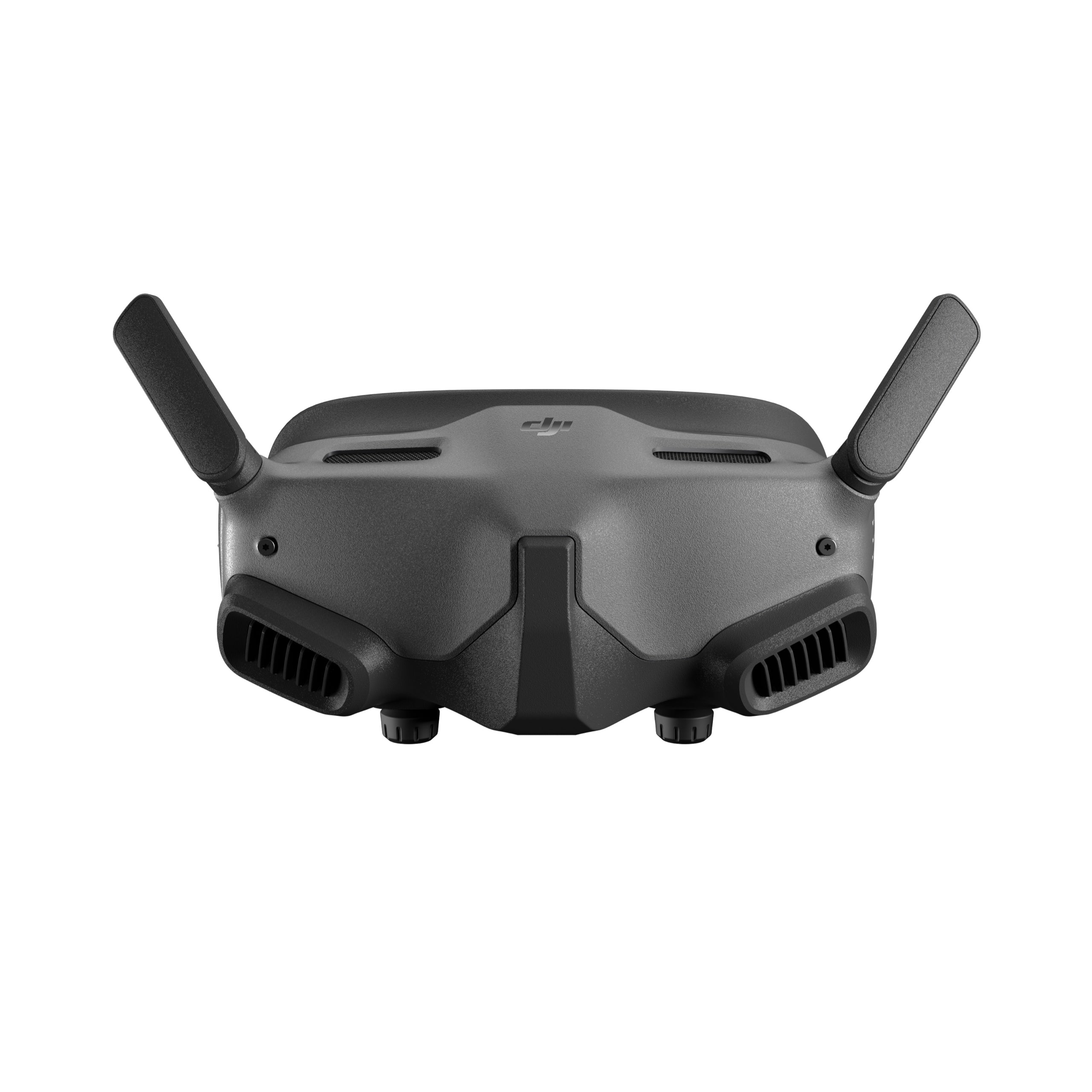
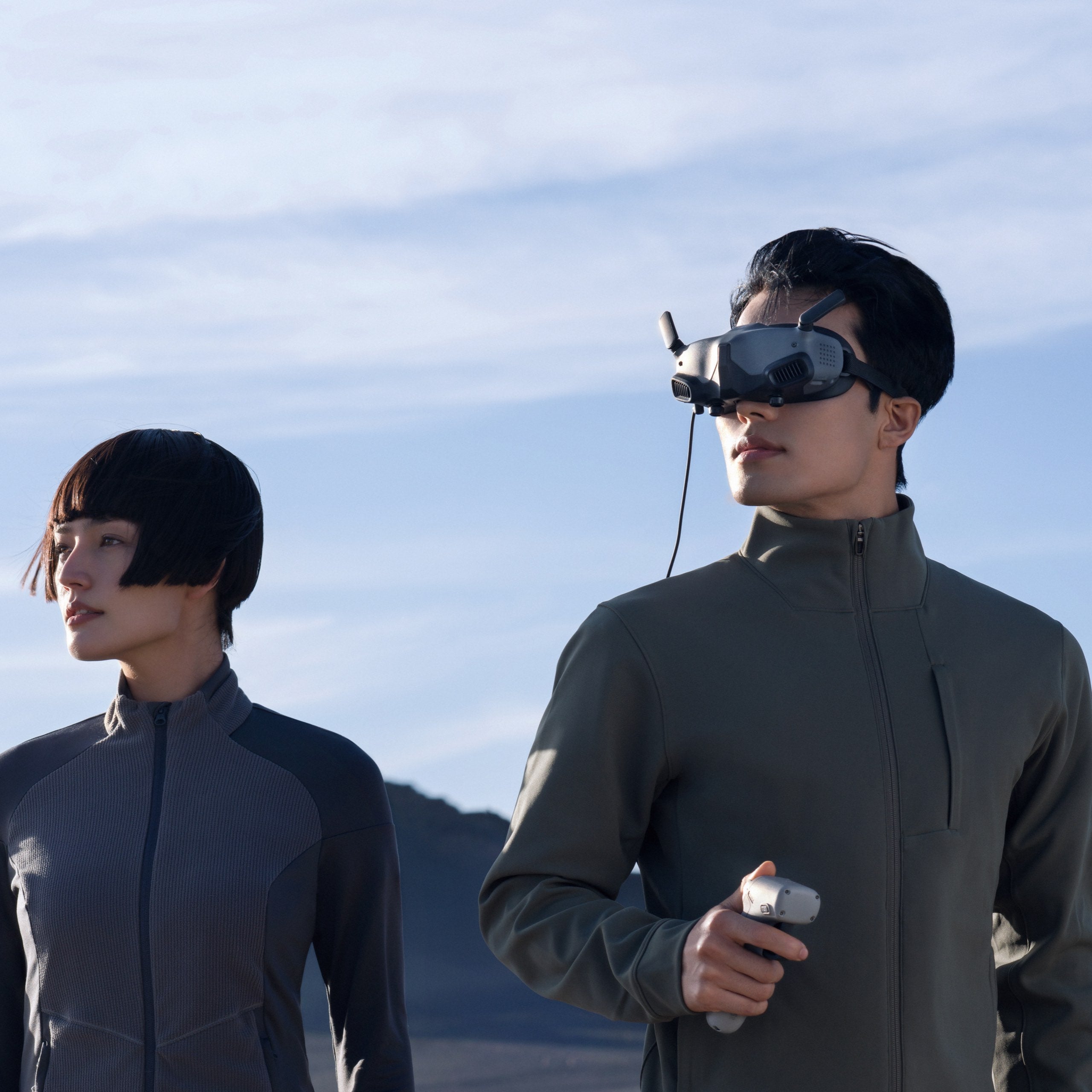
Small, easy to carry and wear

Weighing just 290g, DJI Goggles 2 are highly portable and comfortable, with soft foam padding that conforms to the shape of your face for enhanced sun protection.
Diopter adjustment for clearer images

DJI Goggles 2 offers diopter adjustment from +1.0 to -8.0 D. [1] Enjoy high-quality footage with the diopter you need, without having to wear glasses.
High-quality dual HD screens

The 1080p Micro OLED screen supports refresh rates up to 100Hz.[2] 10-bit enhanced display reproduces true-to-life colors and dark details.
Ultra-low latency transmission

The DJI O3+ video transmission is highly resistant to interference, can automatically switch to a more stable signal, and transmits with a low latency of 30 ms.[3]
An immersive viewing experience

Wi-Fi wireless streaming lets you play videos from major video streaming software and apps on the goggles, while a 3.5mm audio port ensures audio is synchronized with the video.
1. Not suitable for astigmatism adjustment. If you have any specific vision problems, please consult your doctor before use.
2. The screen refresh rate varies depending on the video transmission frame rate. Switch between 100 Hz and 60 Hz to match the video transmission frame rate you are using.
3. DJI Goggles 2 utilizes O3+ video transmission when used with an aircraft that supports O3+ video transmission. Latency data is measured in an open, interference-free outdoor environment with video transmission at 1080p/100fps.
compatibility
DJI Motion Controller, DJI RC Motion 2, DJI FPV Transmitter 2, DJI Mavic 3 Classic, DJI Mavic 3, DJI Mavic 3 Cine, DJI Mavic 3 Pro, DJI Mavic 3 Pro Cine, DJI Mini 3 Pro
What's in the box

- DJI Goggles 2× 1
- DJI Goggles 2 Battery x 1
- DJI Goggles 2 Eyeglass Frame (1 pair) x 1
- DJI Goggles 2 Screen Protector x 1
- DJI Goggles 2 Headband x 1
- DJI Goggles 2 Power Cable × 1
- DJI Goggles 2 Dual Band Antenna x 1
- OTG cable x 1
What are the upgrades of DJI Goggles 2 compared to DJI FPV Goggles V2?
1. New Control Mode: DJI Goggles 2 supports head tracking, allowing you to intuitively control the drone's camera by moving your head, making it easy to adjust the camera and compose your footage.
2. Lightweight, Portable, and Comfortable: DJI Goggles 2 weigh just 290g, 30% lighter than the DJI FPV Goggles V2. They're easy to carry anywhere and suitable for extended use. The soft foam padding provides a snug fit and enhanced sun protection.
3. Upgraded Display: DJI Goggles 2 is equipped with two 1080p Micro OLED screens, each with its own independent video processing chip, improving the resolution and smoothness of the video playback.
4. Comfortable for nearsighted and farsighted people: DJI Goggles 2 can be adjusted from +2.0 to -8.0 D, so people with different diopters can wear them comfortably.
5. Wireless Streaming: DJI Goggles 2 supports wireless streaming via Wi-Fi, allowing you to play videos from major video streaming software and apps that use the DLNA protocol on the Goggles.
Can I play videos on DJI Goggles 2?
Yes. DJI Goggles 2 supports wireless streaming via Wi-Fi, allowing you to play videos from major video streaming software and apps using the DLNA protocol, as well as videos stored on a microSD card.
Can DJI Goggles 2 be used by people with myopia or hyperopia?
Yes. DJI Goggles 2 supports diopter adjustment from +2.0 to -8.0 D. The diopter adjustment knob can be locked to fix the diopter and interpupillary distance, preventing accidental adjustment during use or storage. However, astigmatism adjustment is not supported.
DJI Goggles 2 also comes with eyeglass frames. If you need astigmatism correction or the diopter of the goggles doesn't suit you, you can purchase lenses separately and use the eyeglass frames to attach the lenses to the goggles.
The diopter of the lenses attached to the eyeglass frame will be added to the diopter adjustable value on DJI Goggles 2.
What is the video transmission latency of DJI Goggles 2 when using O3+ video transmission?
The latency when transmitting 1080p/100fps video is just 30 ms*.
The latency when transmitting 1080p/60fps video is just 40 ms*.
*Measured in an open, interference-free outdoor environment. DJI Goggles 2 utilizes O3+ video transmission when used with compatible aircraft.
What is the screen resolution of DJI Goggles 2?
DJI Goggles 2 features a 1080p Micro OLED screen with a maximum brightness of 700 nits, meeting the needs of various lighting conditions, and a 100 Hz refresh rate for smooth, clear images.
Can I hear the audio from videos while using DJI Goggles 2?
DJI Goggles 2 can play audio from videos stored on a microSD card or via Wi-Fi wireless streaming, and you can also connect earphones to the goggles using a 3.5mm connector.
Due to the lack of a microphone onboard the aircraft, DJI Goggles 2 currently does not support real-time audio transmission during flight.
Will I feel dizzy when wearing DJI Goggles 2?
DJI Goggles 2 supports a maximum screen refresh rate of 100 Hz. New synchronization technology between the aircraft and the goggles ensures smooth, uninterrupted transmission of high-speed aerial footage, effectively reducing eye fatigue and dizziness caused by blurring and stuttering. However, wearing comfort and visual experience may vary from person to person.
If you begin to feel unwell, remove your goggles and take a rest. If you become extremely unwell, seek medical advice.
Does DJI Goggles 2 support screen recording or screenshots?
DJI Goggles 2 supports screen recording, which includes transmitted footage and real-time OSD information such as speed, altitude, signal, battery level, etc. Screenshots are not supported.
What functions can DJI Goggles 2 use after connecting to a smartphone?
After connecting DJI Goggles 2 to your smartphone, you can launch the DJI Fly app and view the aircraft's camera view on the app screen. You can also use the DJI Fly app to activate the aircraft, Goggles, remote controller, or motion controllers, update firmware, and play back and download footage.