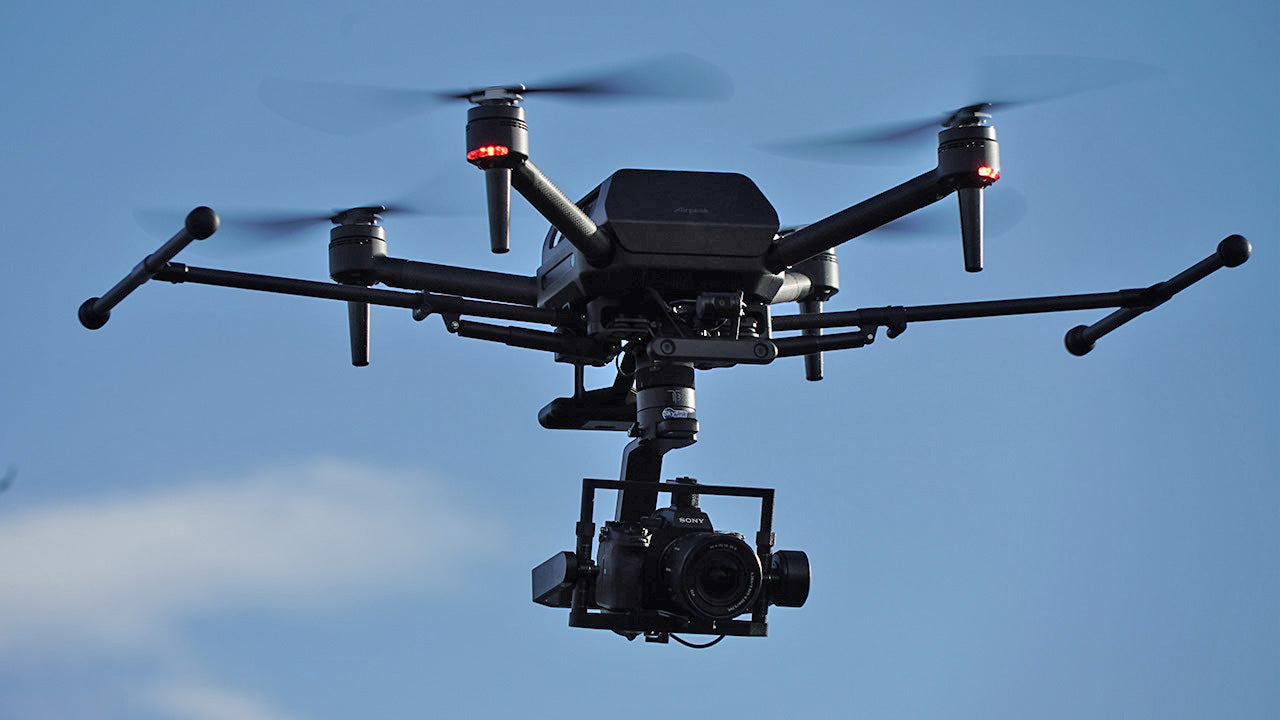
This is a fairly large update that improves usability for filmmakers and meets the shooting requirements for inspection and surveying applications.
We have tested some of these updates and would like to share them with you.
Update contents
| Version Information | ●Aircraft (ARS-S1): 1.2.0 755 MB (792,541,559 bytes) Transmitter (RCR-VH1): 1.2.0 393 MB (413,044,194 bytes) |
| App version information | ●Airpeak Flight: 1.4.0 |
| Update contents | ●Improved usability when taking photos. -Now supports shutter sound notification when taking still images. -Now supports displaying a list of thumbnails of captured images. ●Now supports displaying the preflight check screen. - Before starting a flight, you can check the remaining camera media capacity, as well as the settings and status of the aircraft and transmitter, supporting safe flight. * Now supports the E-mount wide-angle power zoom lens FE PZ 16-35mm F4 G. * Added to the main tuning presets in the gimbal settings. * Zooming can now be controlled from the transmitter. * Airplane mode has been added to the main gimbal operation modes. The main gimbal follows the tilt of the aircraft, allowing you to capture dynamic footage like an FPV drone. ● Mission flight has been improved to accommodate a wider range of usage scenarios. ・Progress can now be displayed during mission flight. ・It is now possible to resume from an interrupted point in a mission, even if the mission has been interrupted due to a battery change, etc. ・You can now select a setting to fly with the nose facing the direction of travel when a mission is underway. ・You can now select a setting to return to the flight path after manual intervention from the transmitter when a mission is underway. It is now possible to prevent cylindrical structures from approaching during mission flights - when the flight path is changed manually, the planned flight path after the change is now displayed on a map. ● An issue where the frame rate of transmitted video would drop due to radio interference has been improved. ● Improved display of the FPV gimbal angle when in follow mode. ● Improved notification of geomagnetic anomaly conditions before and during flight. ● Automatic shooting will no longer occur when camera orientation and shooting are set to manual during a mission. *The items that can be displayed and operated vary depending on the camera model. Click here for more information. |
Verification ① Displaying a list of thumbnails of captured images
You can now view thumbnails of images taken between turning the aircraft on and off.●Turn on the display of thumbnail images in the app settings.
*Camera settings are also required.

●Thumbnails will be displayed in the bottom right corner of the screen.

●You can check the images taken between turning the aircraft on and off in this thumbnail list.

Verification ② Preflight check
The current settings are now displayed to the user before flight.By displaying settings and conditions that require special attention before flight, you can prevent flying with unintended settings or conditions.
●Press the "Start Flying" button from the app's start screen.

●When you move to the flight screen, the current settings will now be displayed.

Verification 3: Execution of long-term mission
Supports mission suspend/resume function, which allows for long mission times while swapping batteries.*Even if automatic flight is interrupted by user pause or RTH due to a dead battery, the mission can be resumed from that point. Missions can also be resumed during flight.
The mission will be interrupted, the spacecraft will return to its home base, and the battery will be replaced.

●Once the battery is replaced, the drone will automatically return to the point where it was interrupted and resume the mission.

●The gimbal angle settings before the interruption were recorded, so I was able to resume quickly.

This time we only tested a small part of it, but we would like to introduce any other major topics if they arise.
We have also made a video of the contents of this blog, so we hope you will take a look.